# Retry failed messages using ServicePulse
This sample shows how to retry a failed message. The sample uses the [Learning Transport](/transports/learning/index.md) and a portable version of the Particular Service Platform tools. Installing ServiceControl is **not** required.
## Running the solution
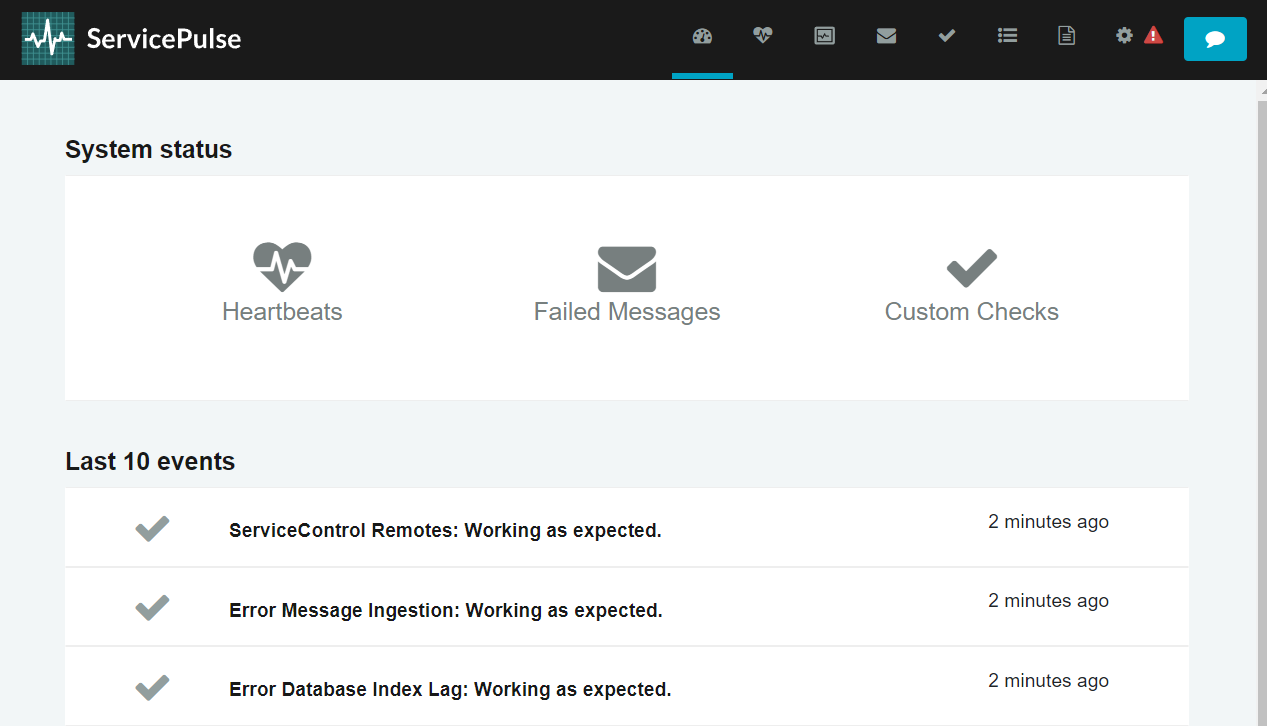
Running the solution starts 3 console windows. Wait a moment until the ServicePulse window opens in the browser.
### Sender
The sender is a program that uses NServiceBus to send simple test messages.
Press Enter in the Sender console window to send one.
### Receiver
The receiver reads messages off a queue and processes them. By default, it runs in a fault simulation mode, which causes message processing to fail, including the one that has just been sent.
```cmd
fail: NServiceBus.MoveToError[0]
Moving message '6e387659-ea6b-47ee-8223-b31b00aa3d9f' to the error queue 'error' because processing failed due to an exception:
System.Exception: Simulated error.
at SimpleMessageHandler.Handle(SimpleMessage message, IMessageHandlerContext context) in \servicecontrol\retry-messages\Core_9\Receiver\SimpleMessageHandler.cs:line 25
(...)
```
Press t to disable the fault simulation mode so that the message is processed correctly once retried.
```cmd
t
Fault mode disabled
```
### ServicePulse
Going back to the ServicePulse browser window, there is a notification on the dashboard about one failed message.
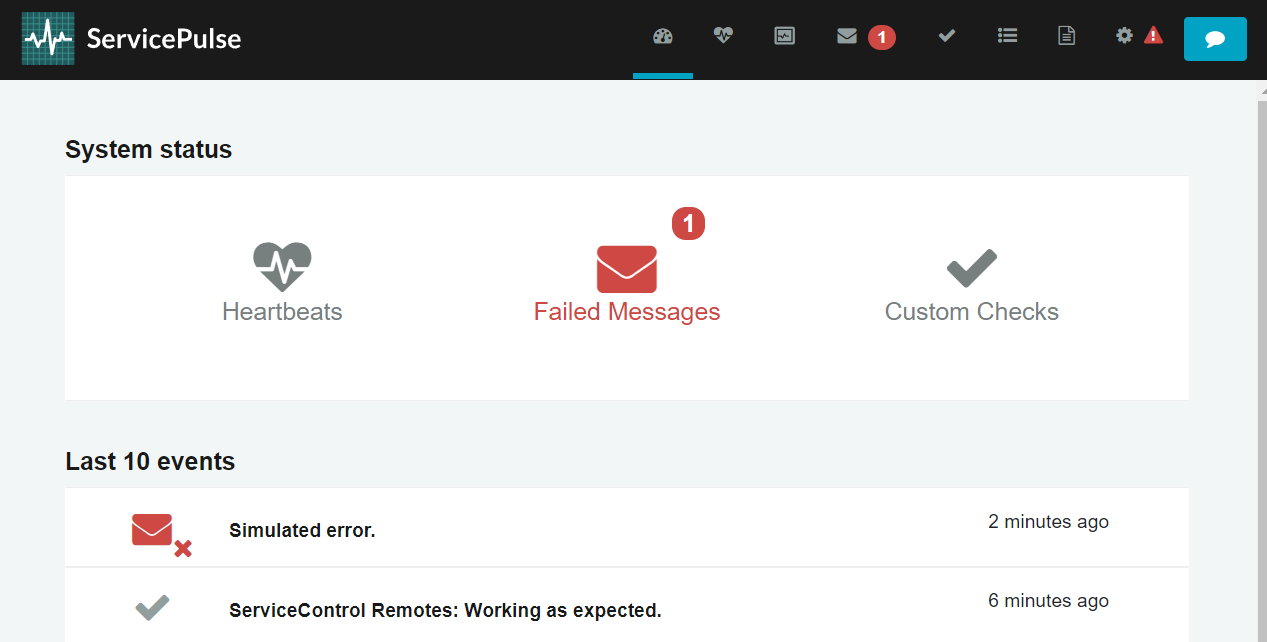
Click on the failure symbol to see the datails. You can inspect the message headers as well as the payload.
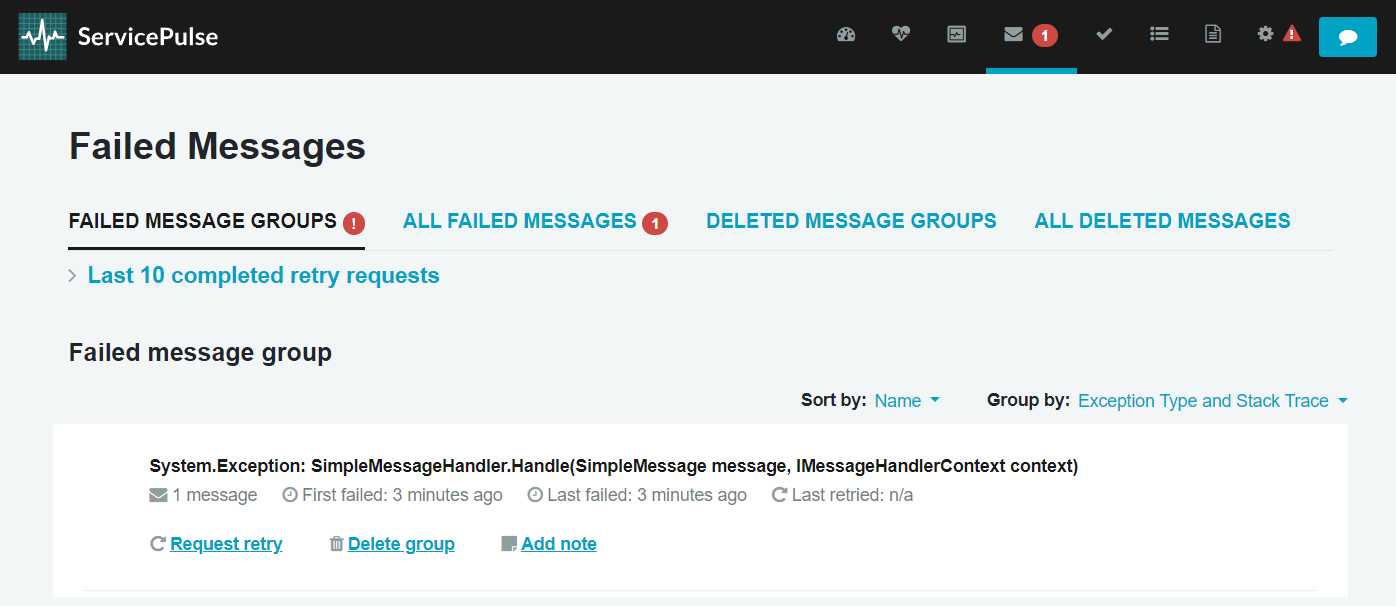
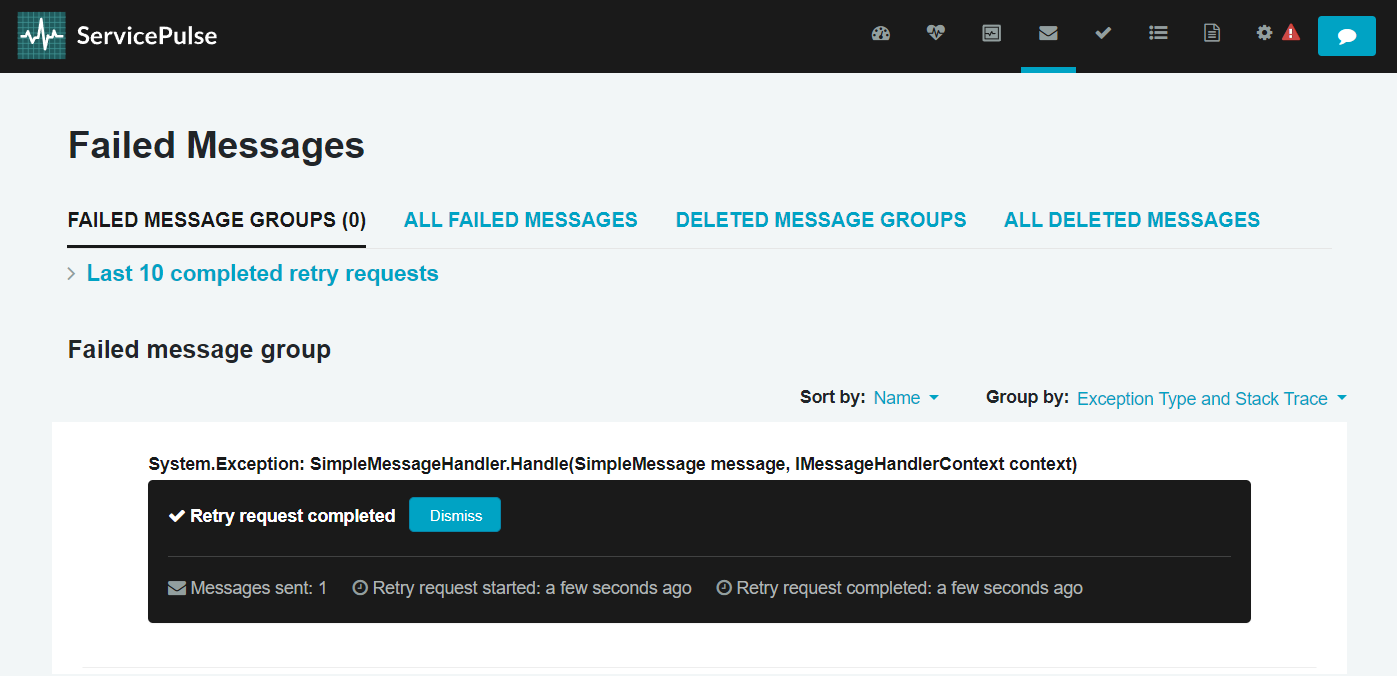
Now click `Request retry` to initiate the message retry process i.e. sending the message back to the receiver's input queue for reprocessing.
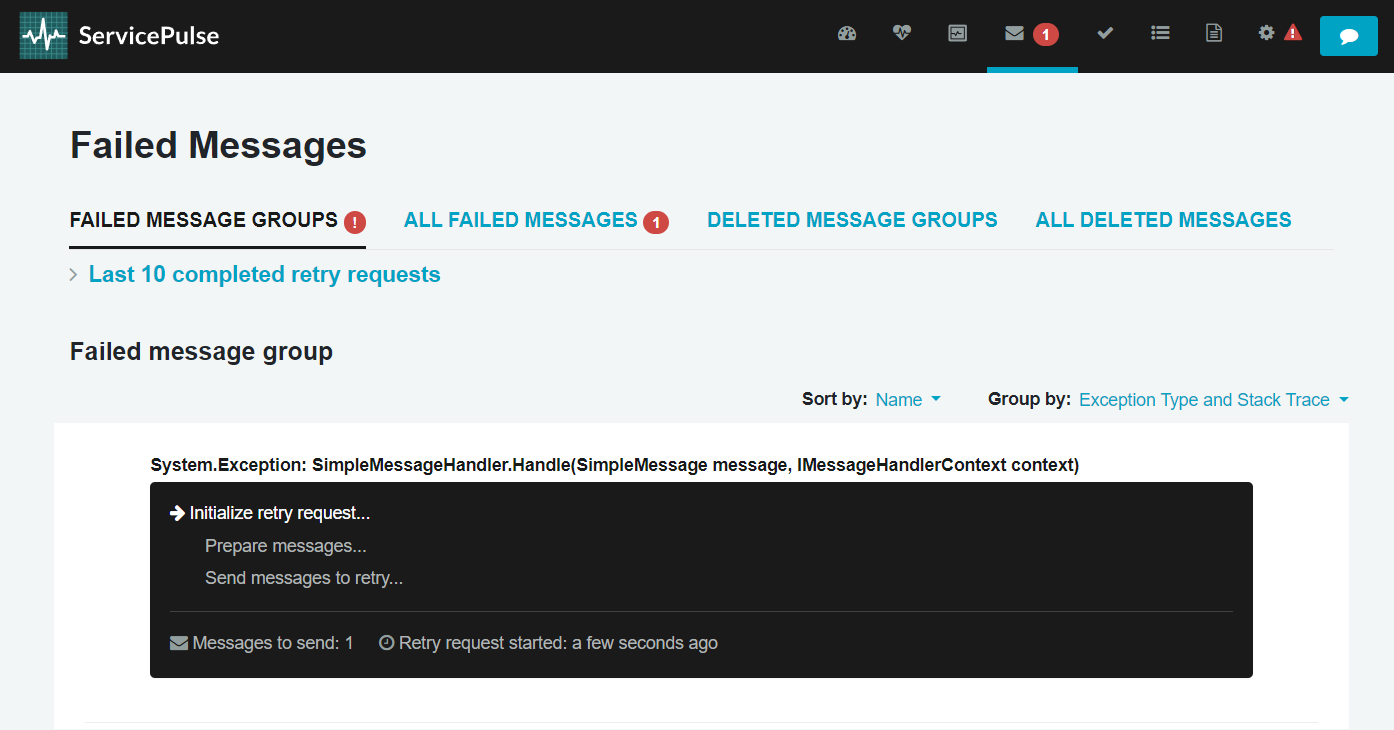
Once the process is completed, go back to the Receiver console window.
### Receiver
You can now notice that the message has been successfully processed.
```cmd
t
Fault mode disabled
info: Toggle[0]
Received message.
info: Toggle[0]
Successfully processed message.
```
## Code walk-through
For simplicity, both [the immediate](/nservicebus/recoverability/index.md#immediate-retries) and [the delayed retries](/nservicebus/recoverability/index.md#delayed-retries) are disabled in the sample. As a result, messages are moved to the error queue after a single failed processing attempt:
```cs
var recoverability = endpointConfiguration.Recoverability();
recoverability.Delayed(
customizations: retriesSettings =>
{
retriesSettings.NumberOfRetries(0);
});
recoverability.Immediate(
customizations: retriesSettings =>
{
retriesSettings.NumberOfRetries(0);
});
```
The receiver's failure mode is controlled by the `FaultMode` property. When `true` processing of `SimpleMessage` messages ends with an exception.
```cs
_logger.LogInformation("Received message.");
if (FaultMode)
{
throw new Exception("Simulated error.");
}
_logger.LogInformation("Successfully processed message.");
return Task.CompletedTask;
```