There are several ways to view messages and queues in MSMQ, using both free and commercial tools.
Visual Studio
Queues on the local machine can be listed using Server Explorer in Visual Studio:
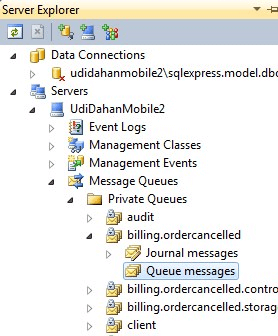
If a queue contains messages, select one and open the Properties panel (F4) to view its details:
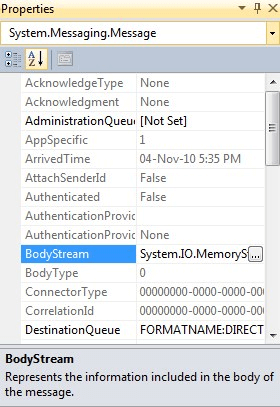
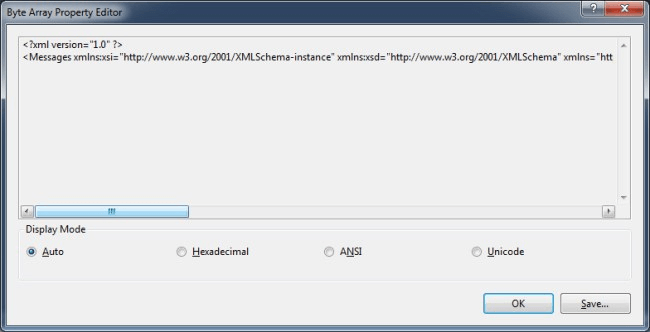
The BodyStream property shows the message content:
Windows native tools
MSMQ can also be managed using the built-in MMC snap-in.
Depending on the Windows version, open via:
Start > Run > compmgmt.msc > Features > Message Queuing
or
Start > Run > compmgmt.msc > Services and Applications > Message Queuing
QueueExplorer
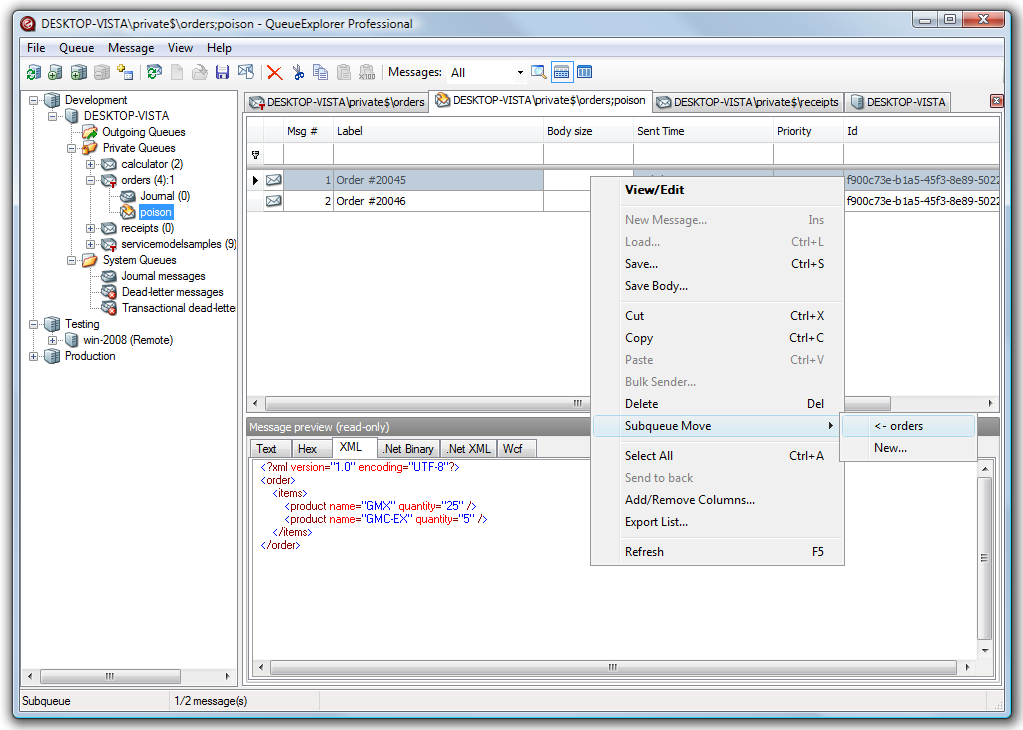
QueueExplorer is a commercial third-party product for managing MSMQ.
QueueExplorer provides features beyond the built-in console, such as copying, moving, or deleting messages; saving and loading; stress testing; and viewing/editing full message bodies (with support for .NET serialized objects).
Mqueue Viewer
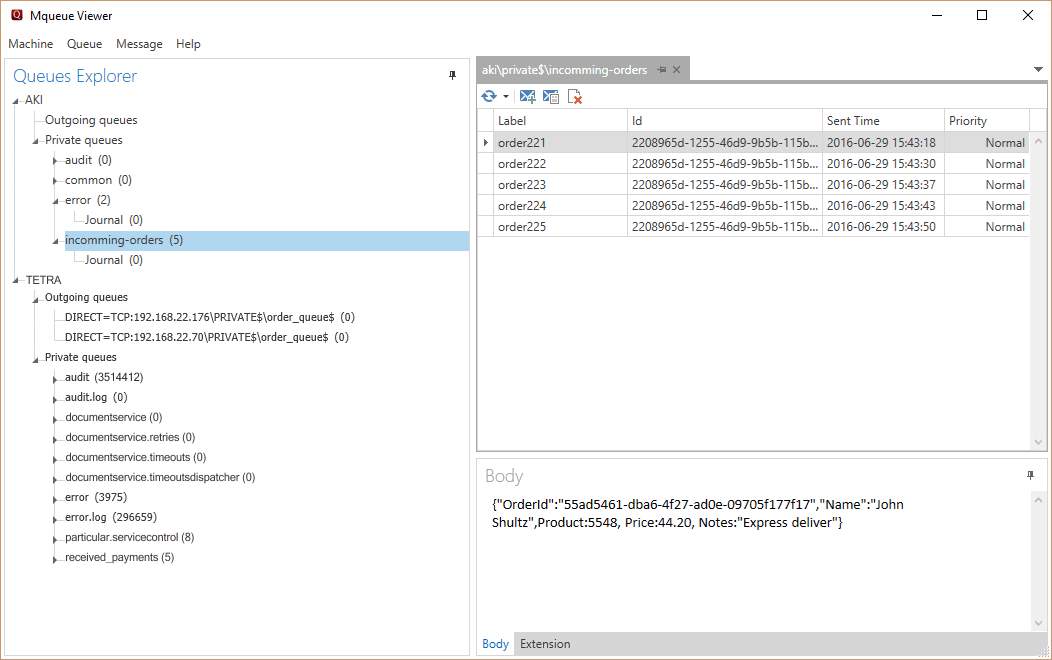
Mqueue Viewer is a free tool for managing MSMQ queues and messages, with additional features available in the paid version.
Mqueue Viewer allows viewing, editing, adding, and deleting messages, and supports multiple machines/servers.
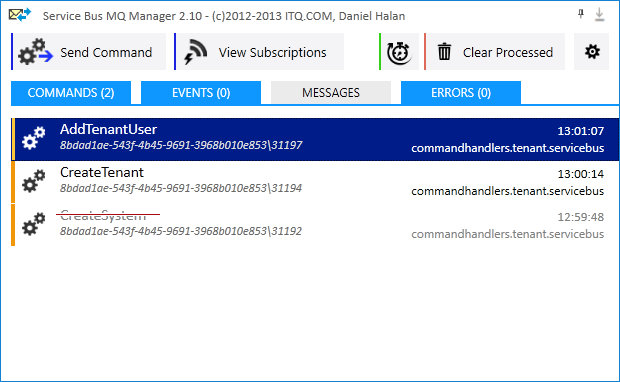
Service Bus MQ Manager
Service Bus MQ Manager is a free application for viewing and managing MSMQ messages.